Watchlist management
A watchlist is a focus group of symbols, the names you actually trade instead of the whole market. Build small, focused lists and you get fewer, better alerts and attention on the names you know.
Watch: Part 8 of the Volatility Box onboarding series.
Why a watchlist
The platform tracks far more symbols than anyone can watch well. A watchlist narrows that to the names you trade, so you develop a feel for how each one moves rather than reacting to signals on stocks you do not know. The smaller and shorter the list, the fewer alerts you receive and the more focused your attention can be.
This is also where your backtest research comes home. When you find a set of names that works with the aggressive model breach, or just the conservative breach, you do that research once, the names go in a list, and you build that list into your alerts everywhere else. The list turns a one-time study into something that notifies you every time the pattern triggers.
Open the watchlists page
Open the Watchlists page from the sidebar. The left side shows all your lists. A few come built in, such as ETFs only and the S&P 100, and you can create your own.
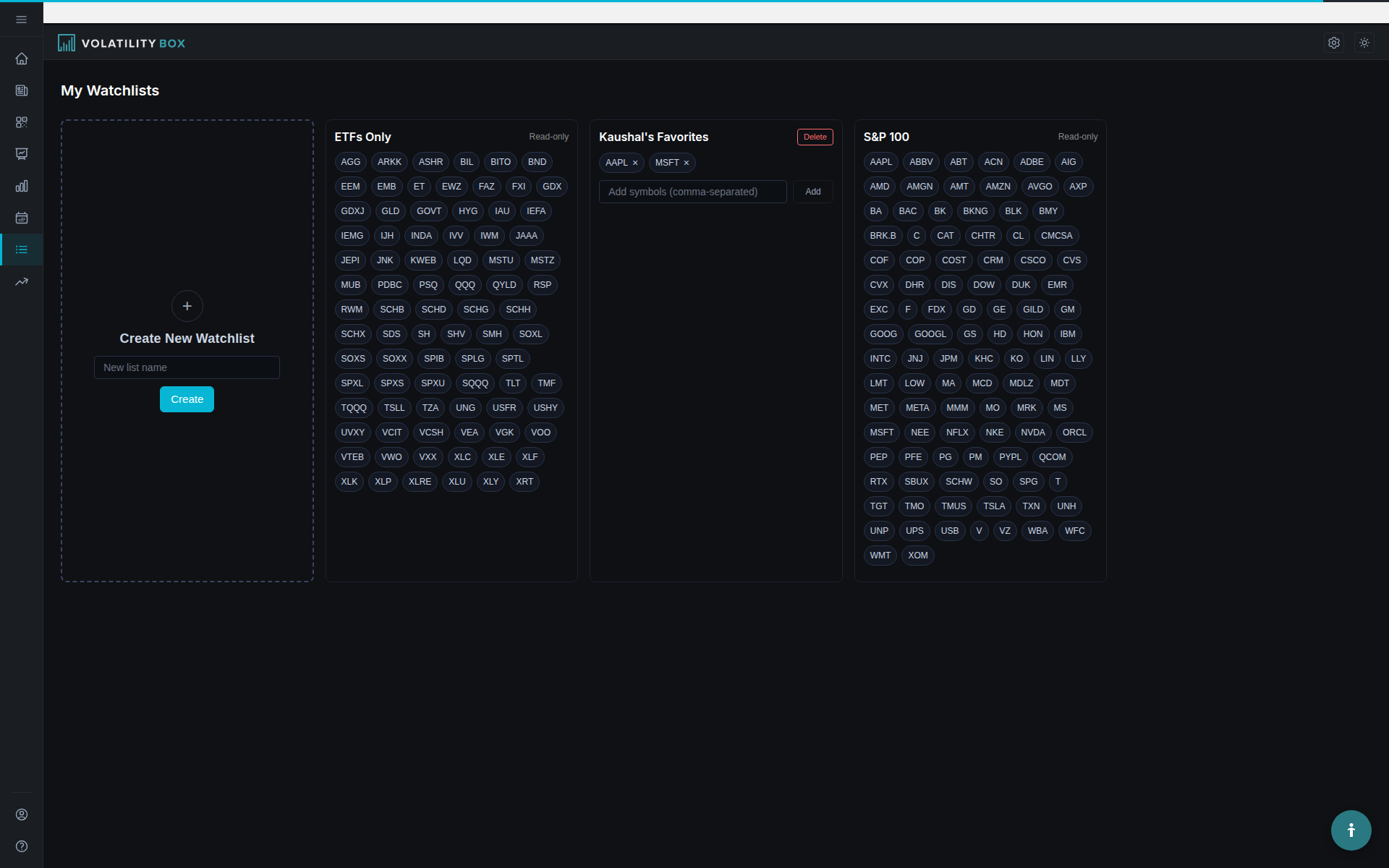
Create a list and add symbols
- Click to create a new list and give it a name.
- Add symbols with the Add symbol box.
- To remove a symbol, click the X next to it.
Give the list a name that says what it is for, such as the model or sensitivity the names tested best on, so you can pick the right list when filtering the scanner or scoping alerts. The built-in S&P 100 list is large by design; for alerts you will usually want something tighter.
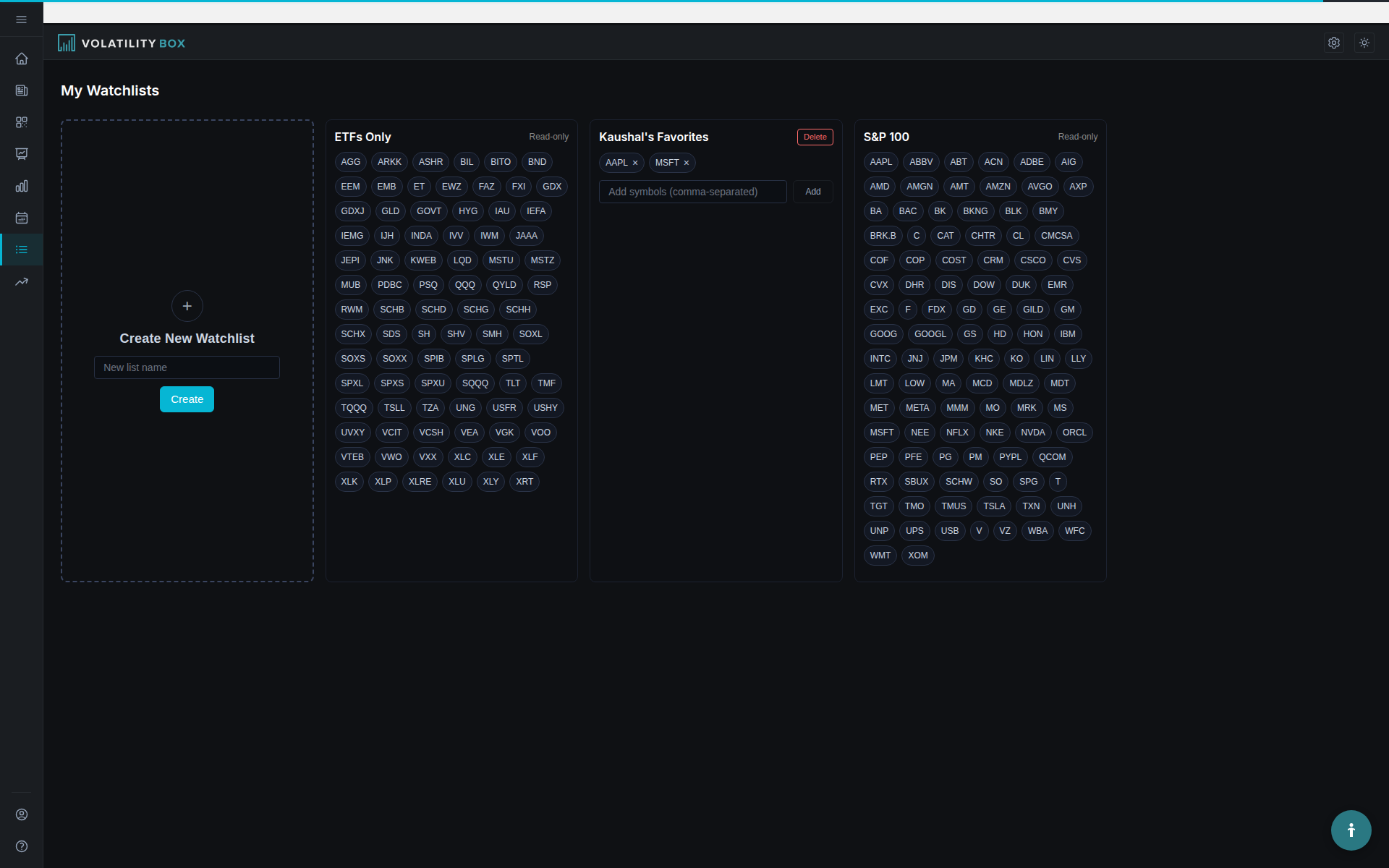
Read stage and direction on the list
The watchlist page does more than store symbols. Next to each name you see its current Market Pulse stage, and whether a long or a short has triggered on it. At a glance you can tell which names on your list are giving a setup today and whether that setup agrees with the overall trend or runs counter to it. That matters because the trades worth taking are with the trend, or, when they are counter-trend, taken with full awareness and adjusted position size.
How the list connects to the rest of the platform
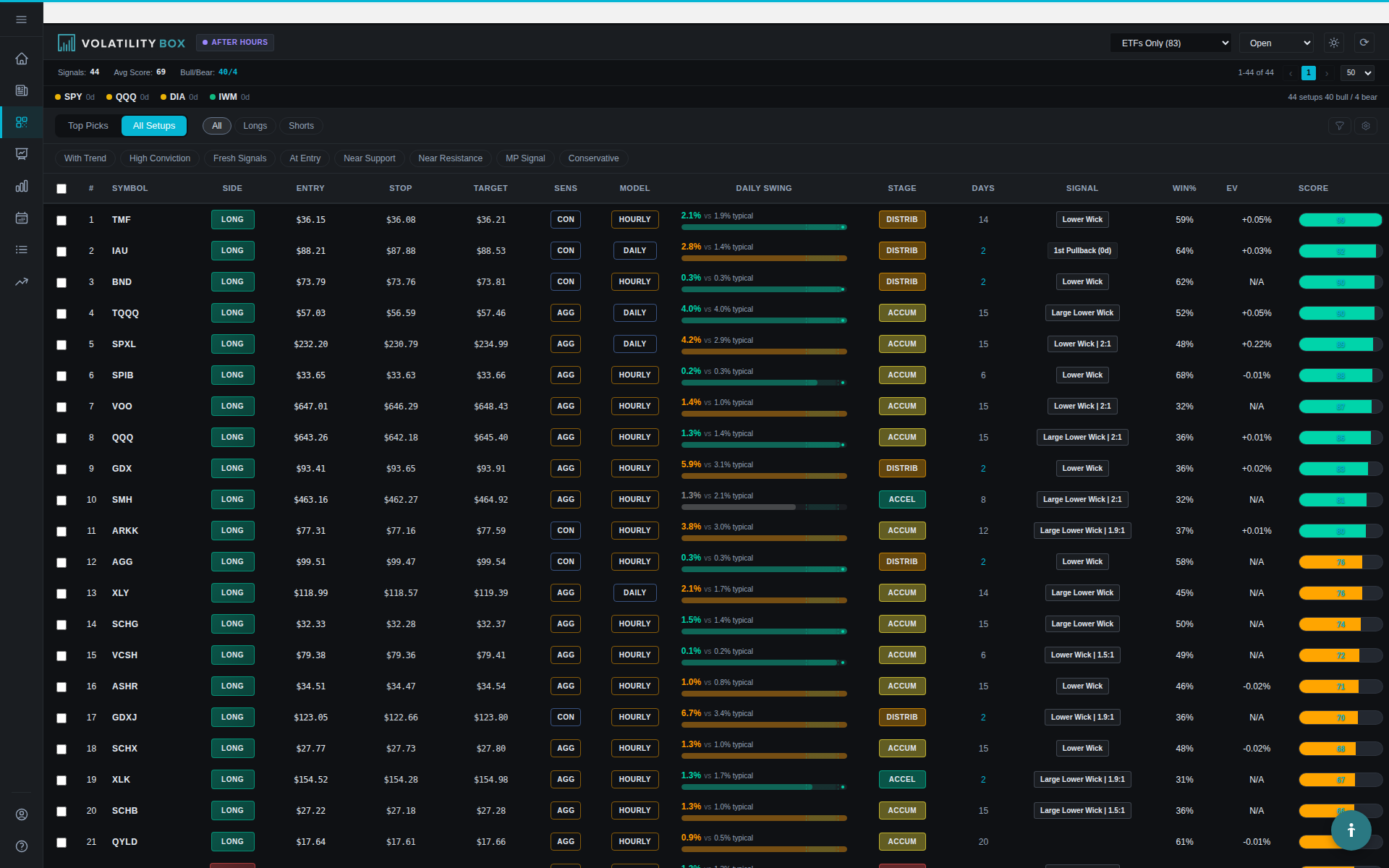
Scanner filter. Filter the scanner by a watchlist and you see only signals from that list instead of the whole universe. Open the scanner, choose the watchlist filter, and pick your list. This keeps you trading names you know rather than chasing every signal. The filter applies to the scanner; the Charts page has its own symbol search and does not pull from your lists.
Alerts. Alerts are scoped by watchlist. Point alerts at a focused list and only those names can trigger a notification, which is the practical reason to keep lists small.
Indicator generator. You can generate ThinkorSwim studies for a whole watchlist at once rather than one symbol at a time. See Watchlist bulk generation.
Backtester. Run a backtest across a watchlist to see expectancy and profit factor for each name, then keep the ones that test best.
Related
Was this article helpful?
Still need help?
Can't find what you're looking for? Our support team is here to help.
Contact Support